

Indoor Air Quality & Sound Level
Indoor air quality, occupancy, dwell time and sound level trends help facilities teams understand how spaces are used, where comfort is affected and how scheduling or space planning can be improved.
Facility + environment + equipment
Nvirosense™ connects monitored room conditions, technical equipment and operational events across your facility. See what is changing, where it matters and what needs review without treating every signal as a separate system.
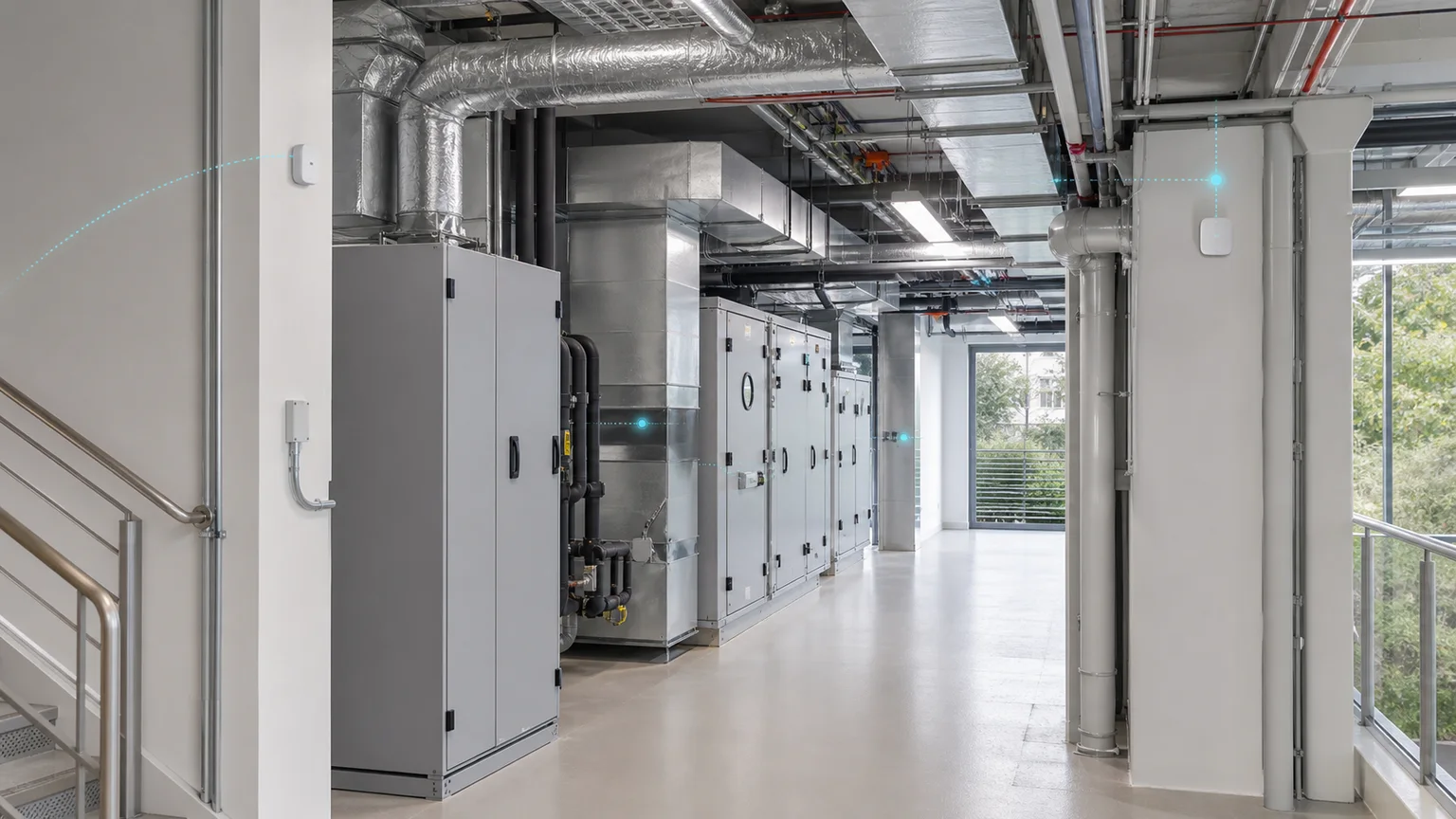
The signals behind reliable spaces
Bring the conditions around people, rooms, services and equipment into one monitored view, including occupancy, people counting, dwell time, air quality and sound level where those values matter. Configure the sources and thresholds that fit the operating context, then keep the resulting history ready for review.
Indoor air quality, occupancy, dwell time and sound level trends help facilities teams understand how spaces are used, where comfort is affected and how scheduling or space planning can be improved.
Connect the monitored state of HVAC plant, utility equipment, service areas and other technical sources into the same operational context.
Use occupancy, people counting, dwell time and room-use context where it helps teams interpret conditions, exceptions, effective scheduling and space-planning demand.
Monitoring context, not just readings
Give teams one clear view of the monitored source, condition or history, configured limit, event state and next review context for the site or zone they are responsible for.
Illustrative product view based on supported monitoring capability
Built around the spaces you operate
Facility monitoring can be shaped around the conditions and technical assets that affect daily operations. The configuration should follow the working space, its monitored sources and the review process around them.
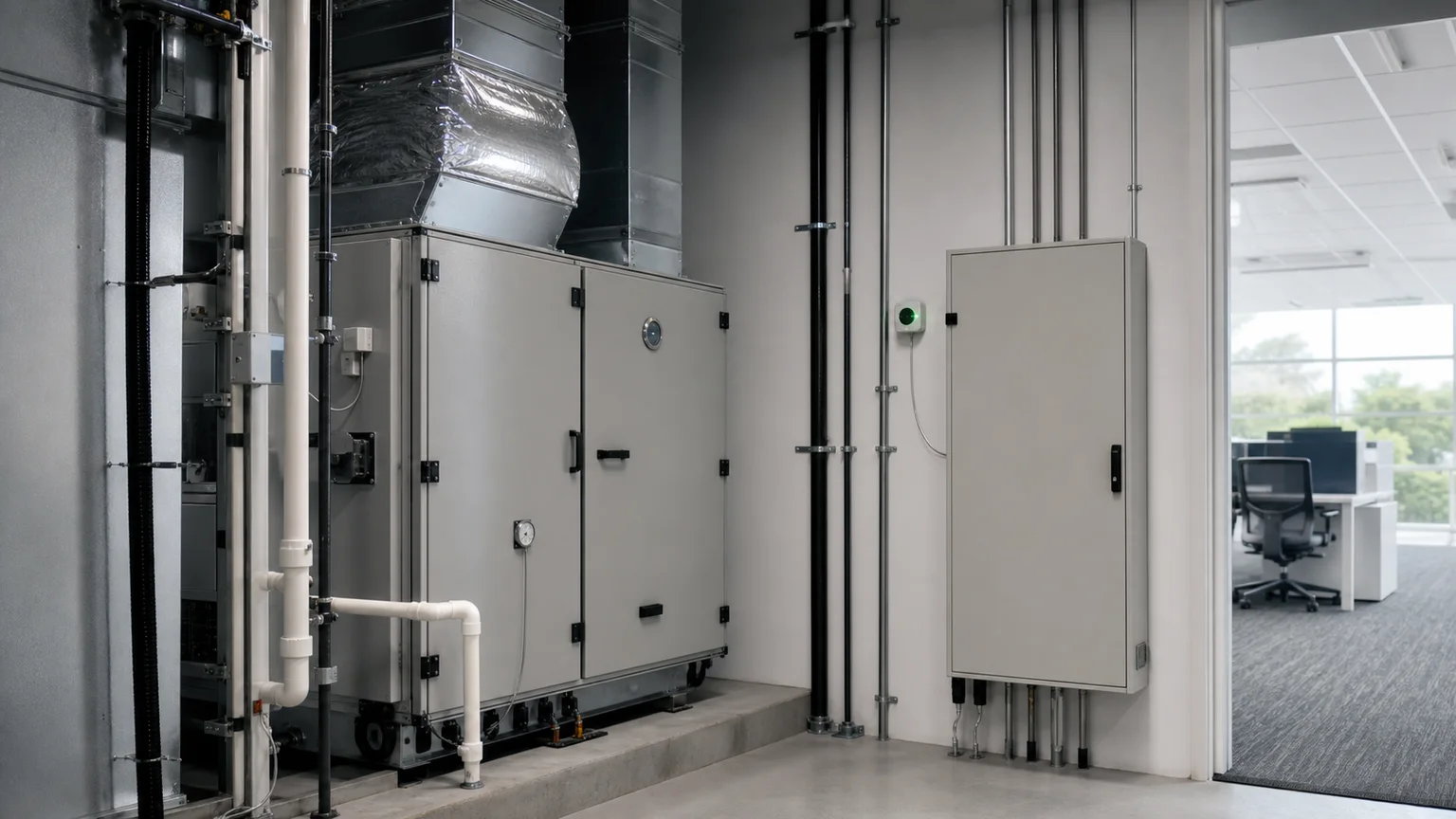
Bring monitored HVAC plant, utility equipment, service areas and technical sources into context with the rooms or zones they support.
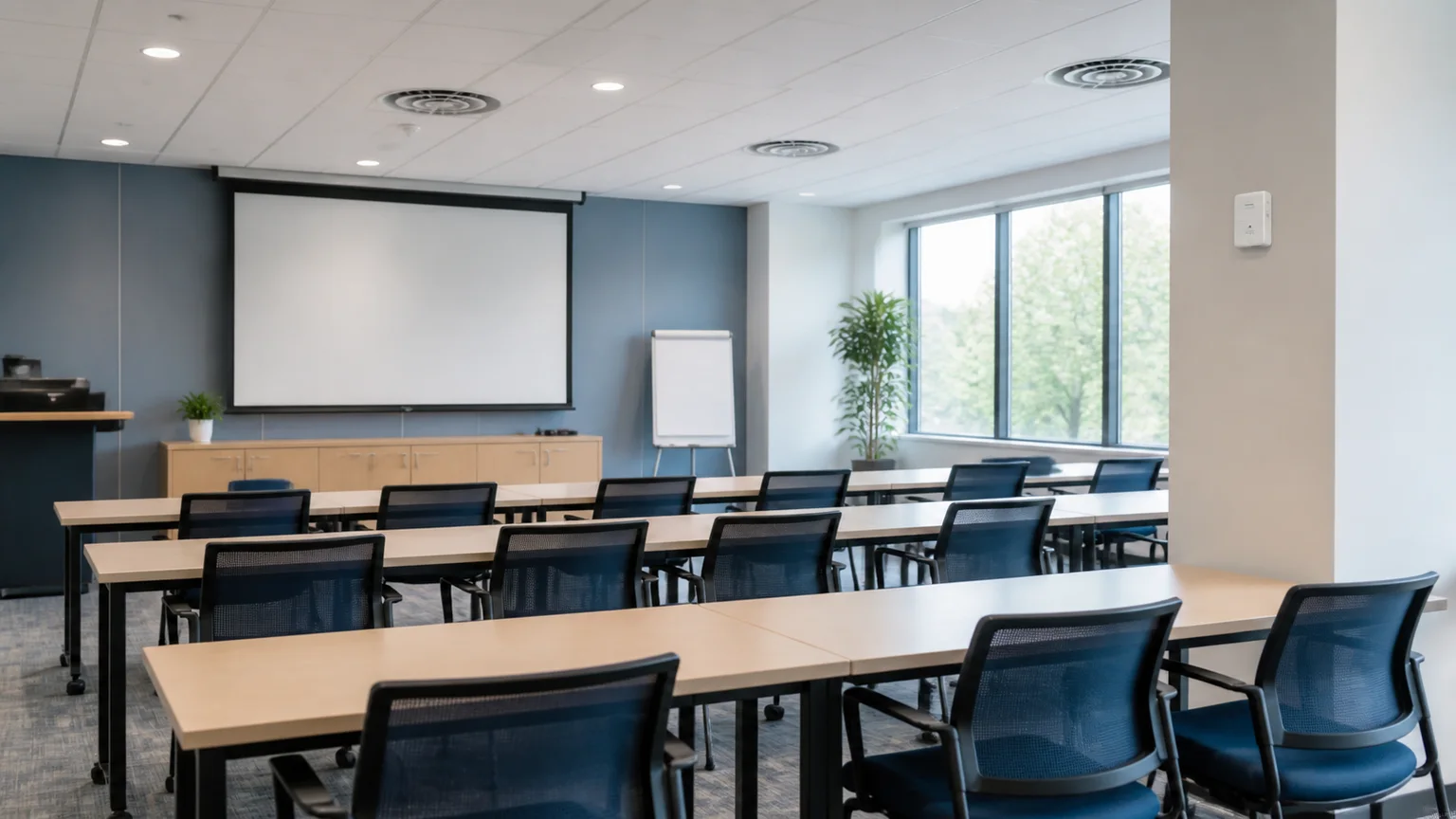
Monitor the conditions, room use and indoor-environment context that help teams understand how a facility space is performing.
When a condition needs attention
When a configured condition crosses its threshold, the event can be surfaced with the monitored context that helps the responsible team acknowledge, investigate and retain a reviewable history.
Observe the configured condition for the source or zone.
Define the condition or limit that requires attention.
Surface the event state and give the responsible team context to acknowledge and follow up through the configured process.
Retain the condition, event and acknowledgement context for operational review or report preparation.
The right view for the right operating context
Use Facility & Technical Monitoring for connected conditions, technical spaces and equipment context. Use Platform for the application layer and integrations, Pharmaceutical for regulated product environments, Industrial for wider site and process monitoring, and Compliance & Traceability for cross-industry evidence and controlled outputs.
Use the application layer, devices and integrations behind the monitoring view.
Explore the PlatformExtend into wider site, equipment and process monitoring contexts.
Explore Industrial ApplicationsConnect monitored history to cross-industry evidence and controlled outputs.
Explore Compliance & TraceabilityUse indoor conditions and occupancy context to identify spaces that need attention.
Read insightConnect air-quality trends to room use, comfort and facility response.
Read insightRelate facility operations and building behaviour to energy planning.
Read insightPlan the monitoring context
Define the facility zones, monitored sources, configured thresholds, required event context, review needs and relevant integrations before the monitoring layer is shaped around your operation.